Web UI
Add secrets and launch a remote rollout from Harbor Hub
Adding Secrets
Unless you are running the oracle or nop agents which do not require API model inference, the first step will be adding your API secrets.
On the Harbor Hub, everything is owned by organizations. This includes jobs, trials, packages, and secrets.
When running remote rollouts, secrets will be selected from the organization chosen to own the job.
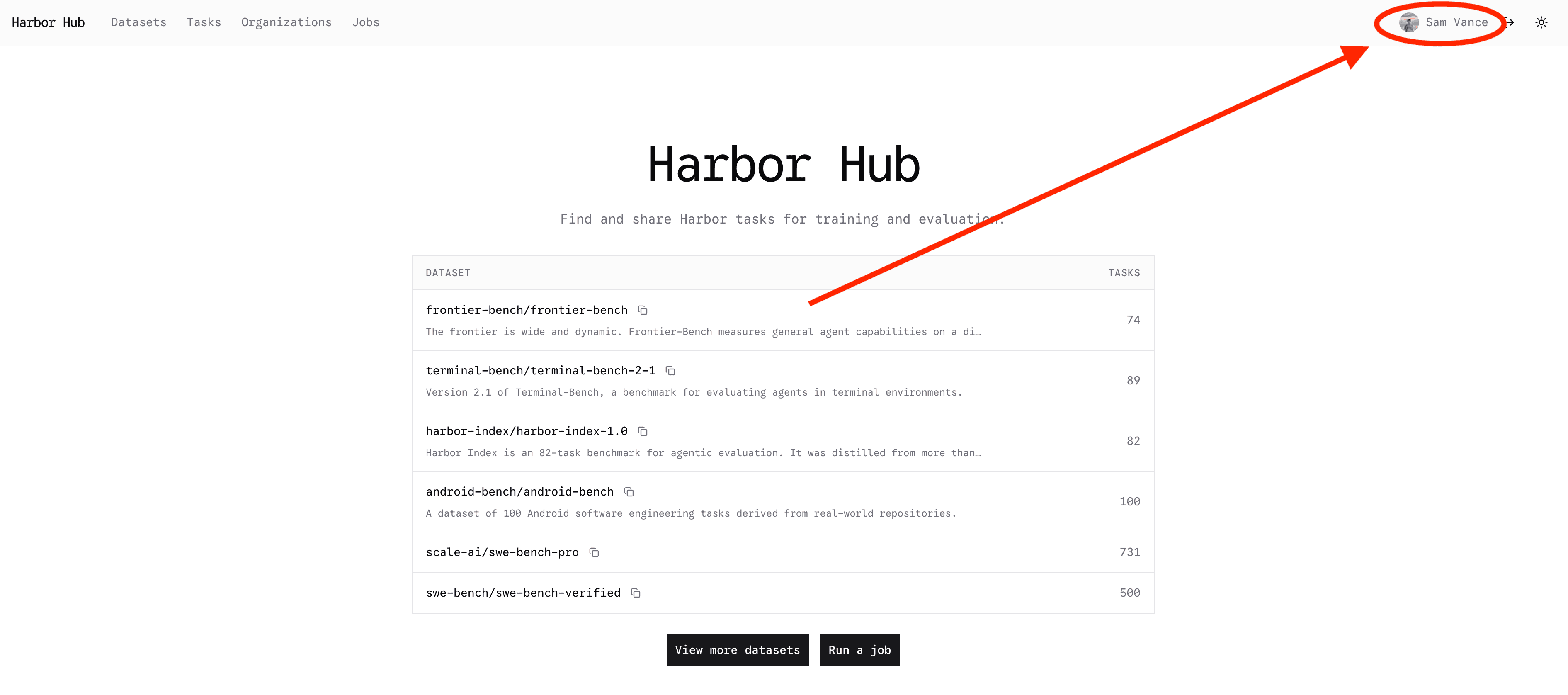
To add secrets to your personal org on the Web UI, first go to The Hub
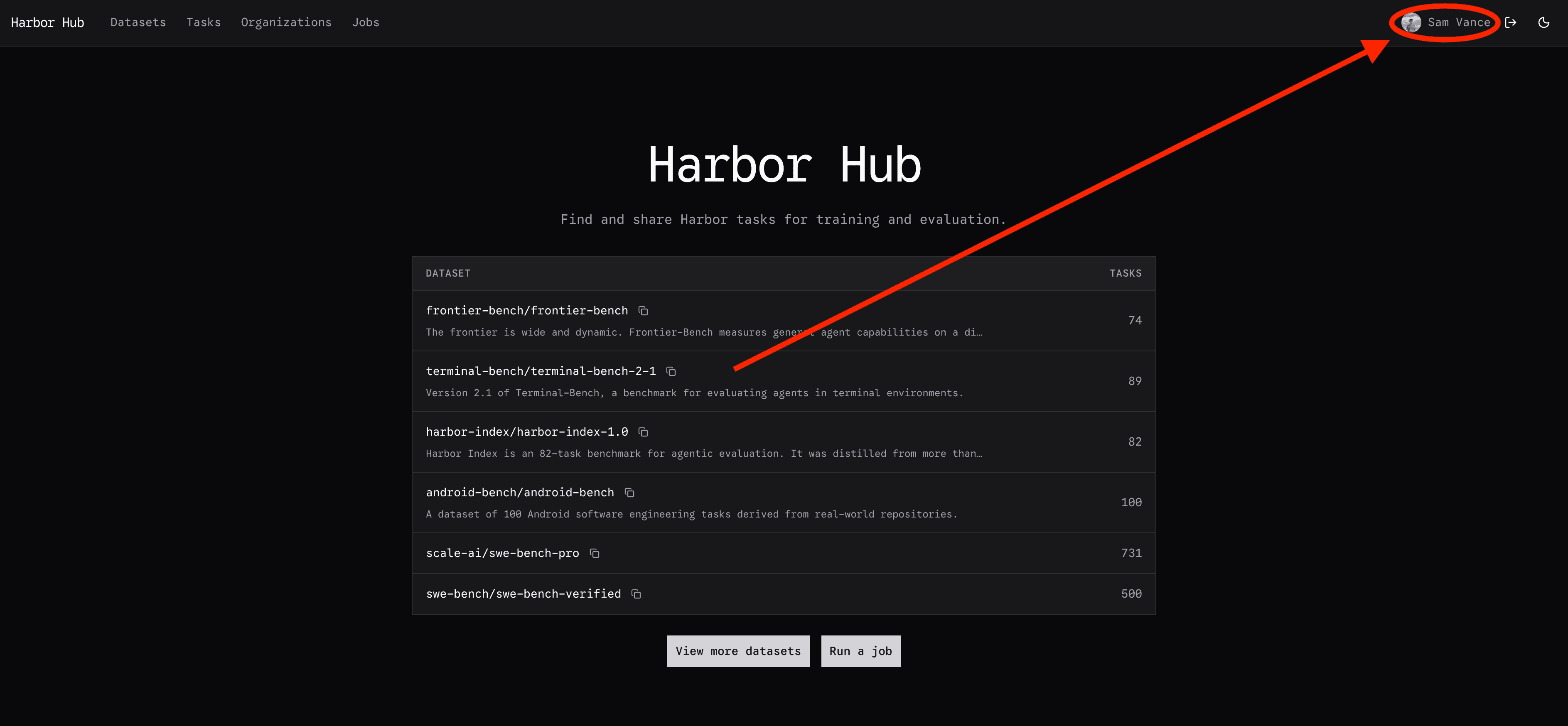
Click on your profile in the top right corner:
Then click on your settings tab:


Scroll down to the secrets section, and click "Add secret":


Add a registry secret or an environment variable secret:
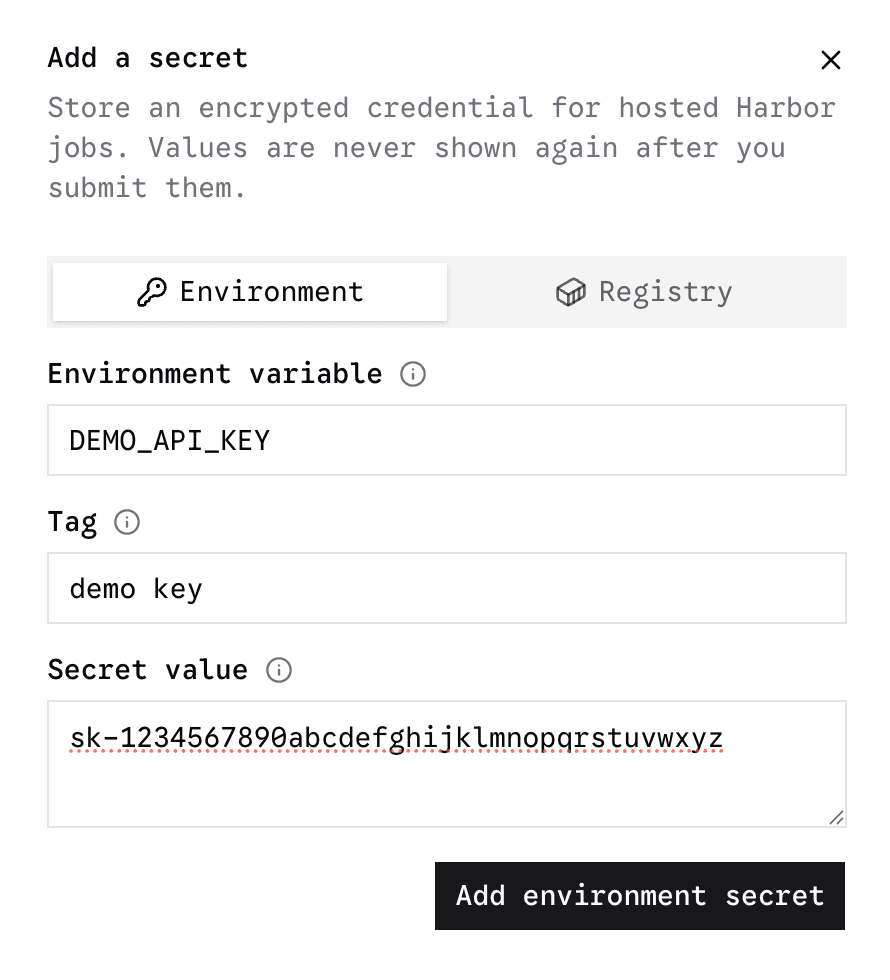
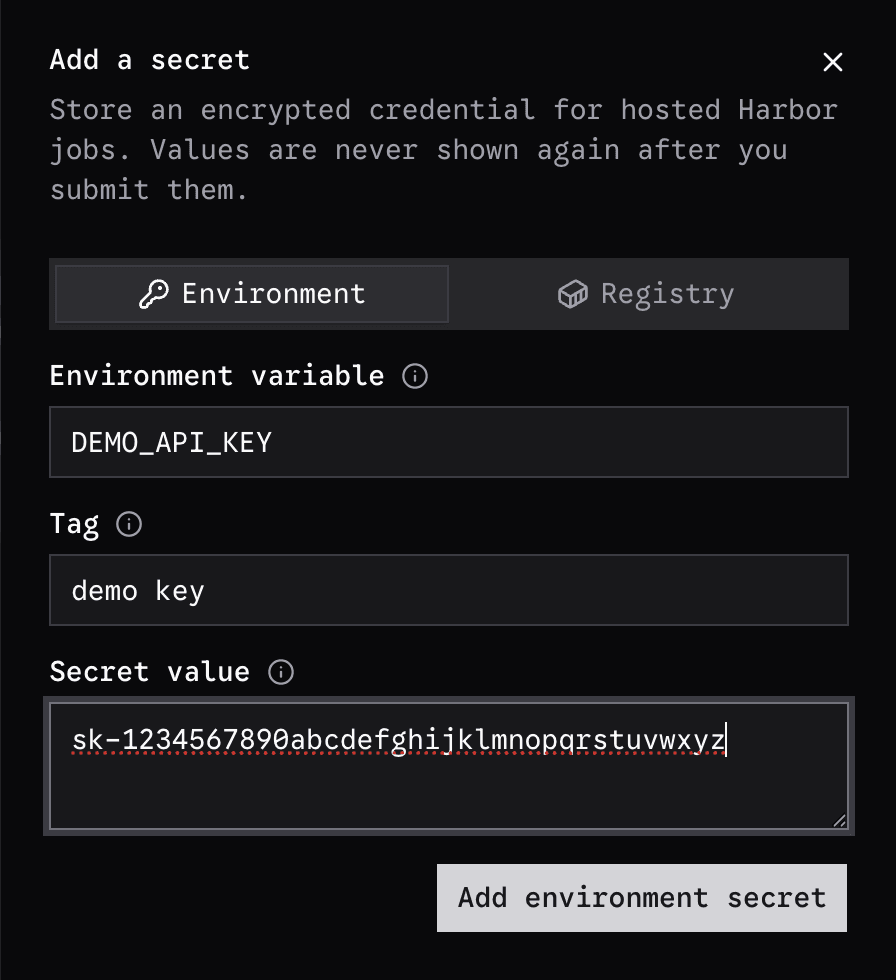
Environment secrets can be injected into the agent runtime during a rollout, registry secrets are never injected, and only used to resolve private image repositories referenced by tasks.
Adding Secrets To Organizations
To add a secret to an organization you own, click the "Organization" button on the top of the page:
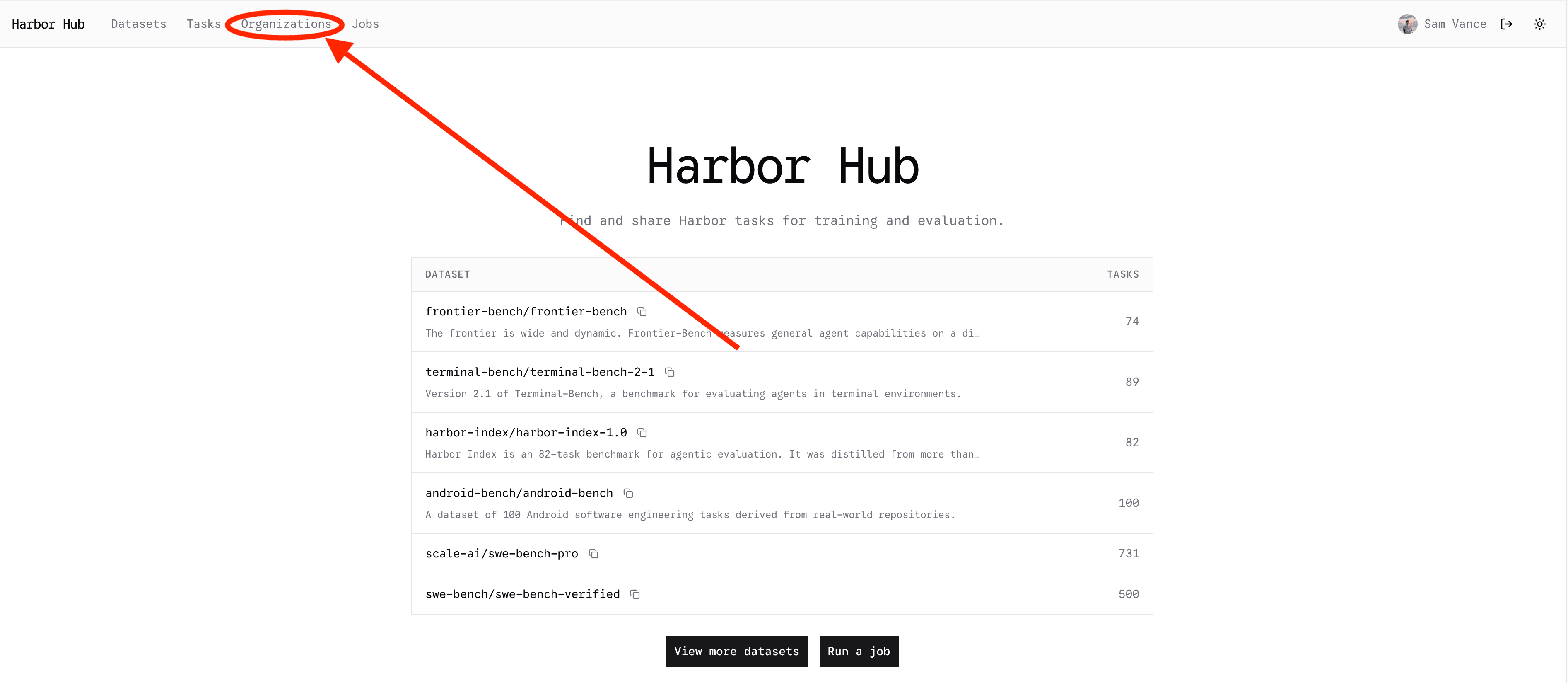
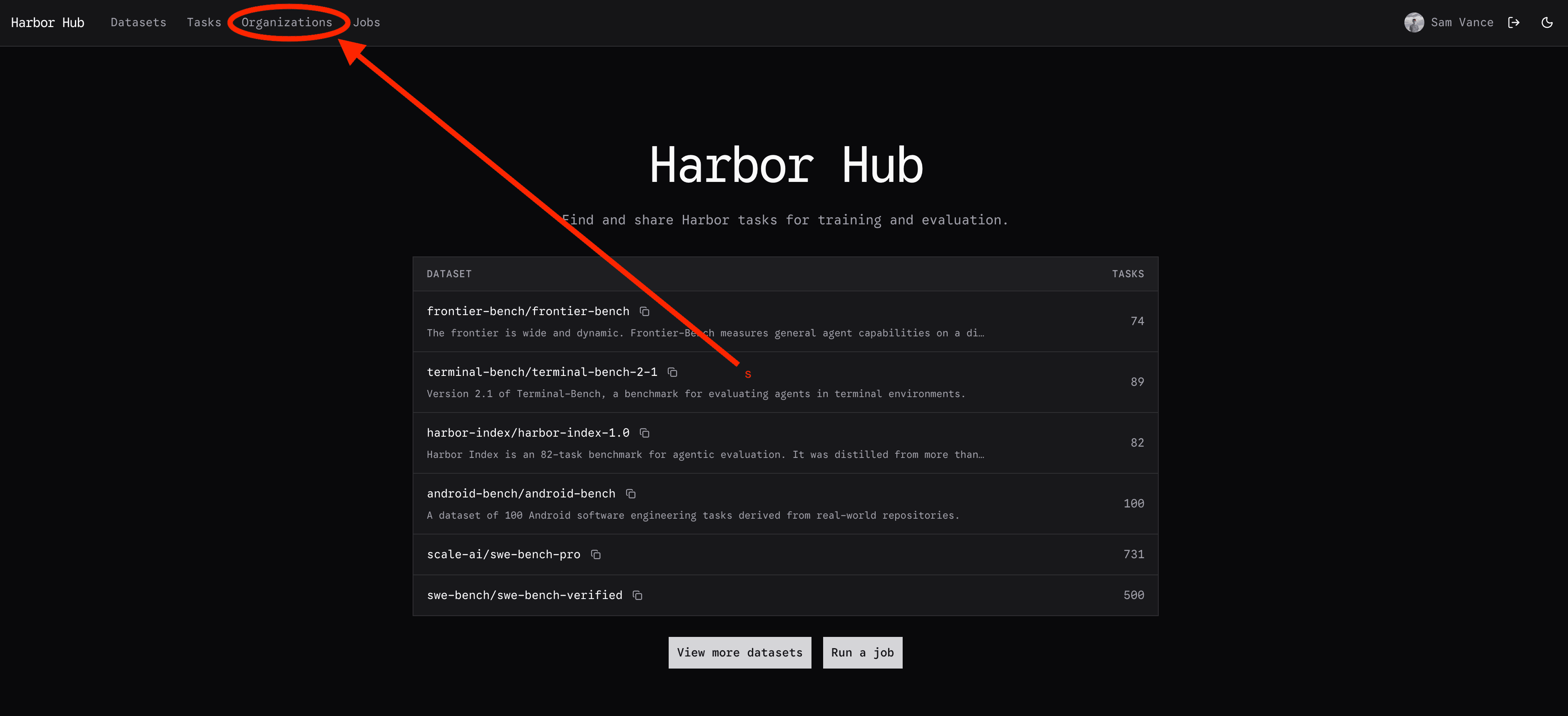
Select an organization that you own, or create a new one.
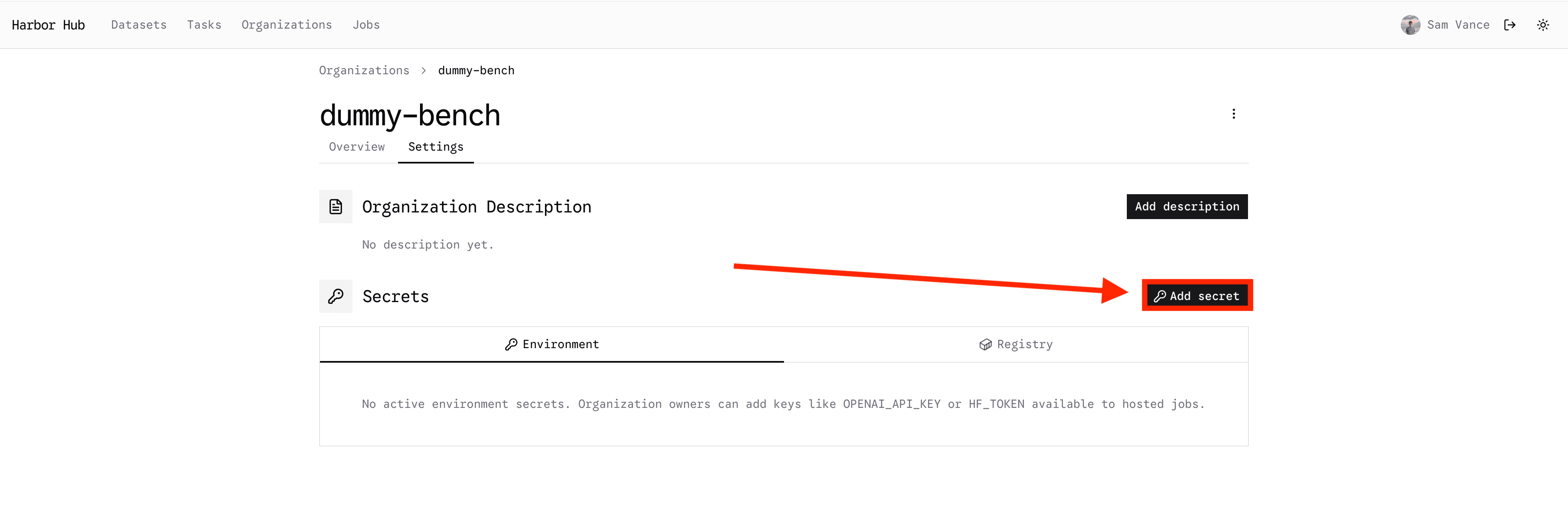
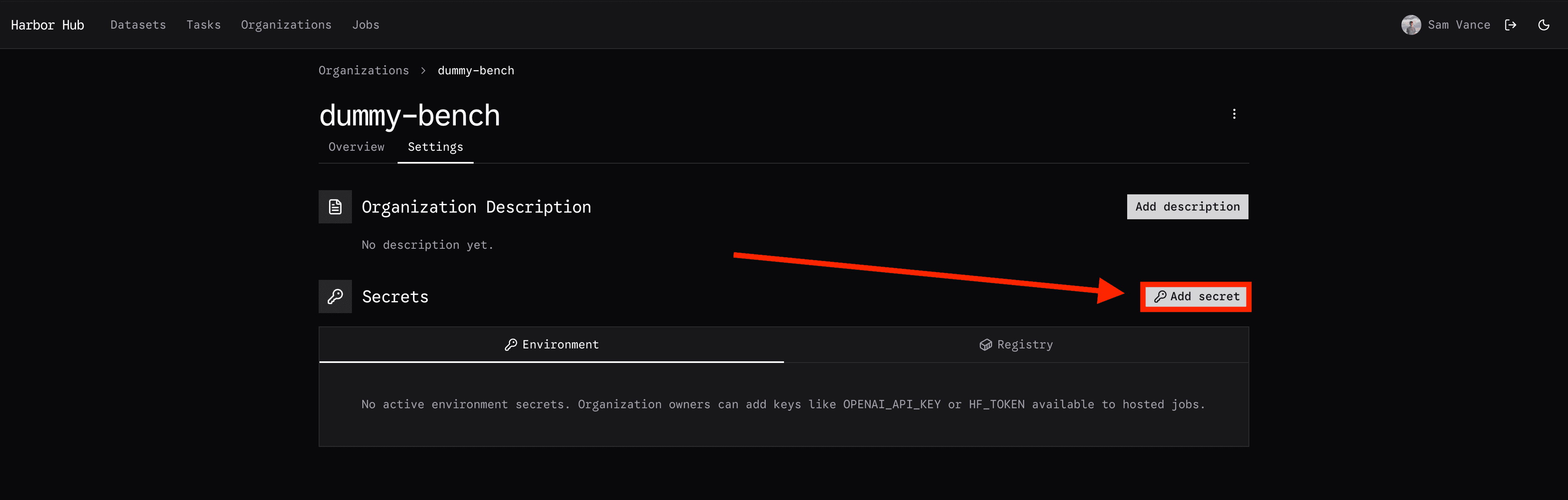
Then select the settings tab of the organization to view the saved secrets there. Note that only organization owners may modify secrets.


Finally, add a secret:
Launching a Job
After adding your secrets, go to the job launcher.
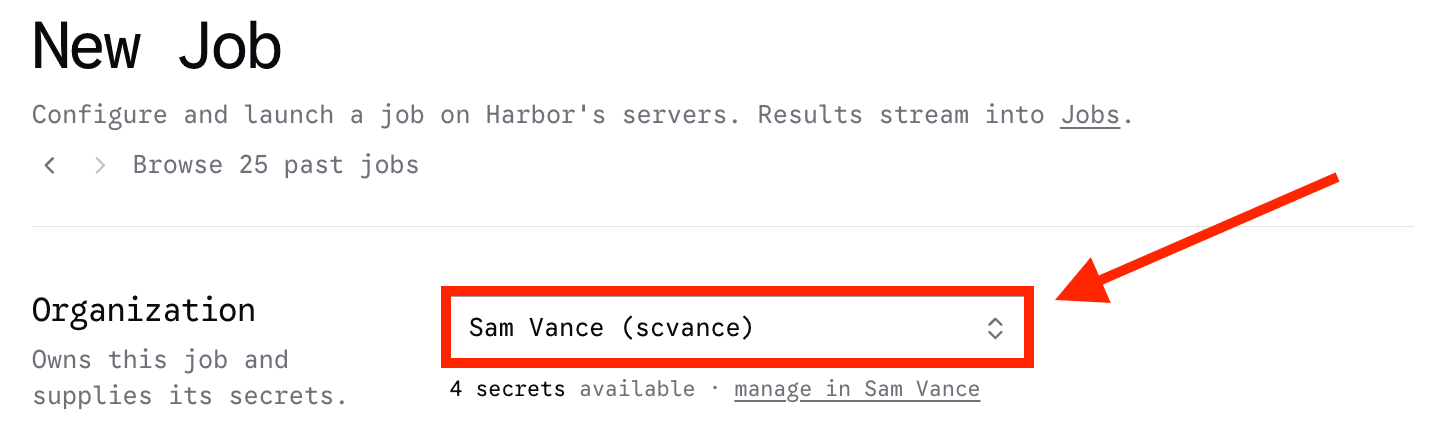
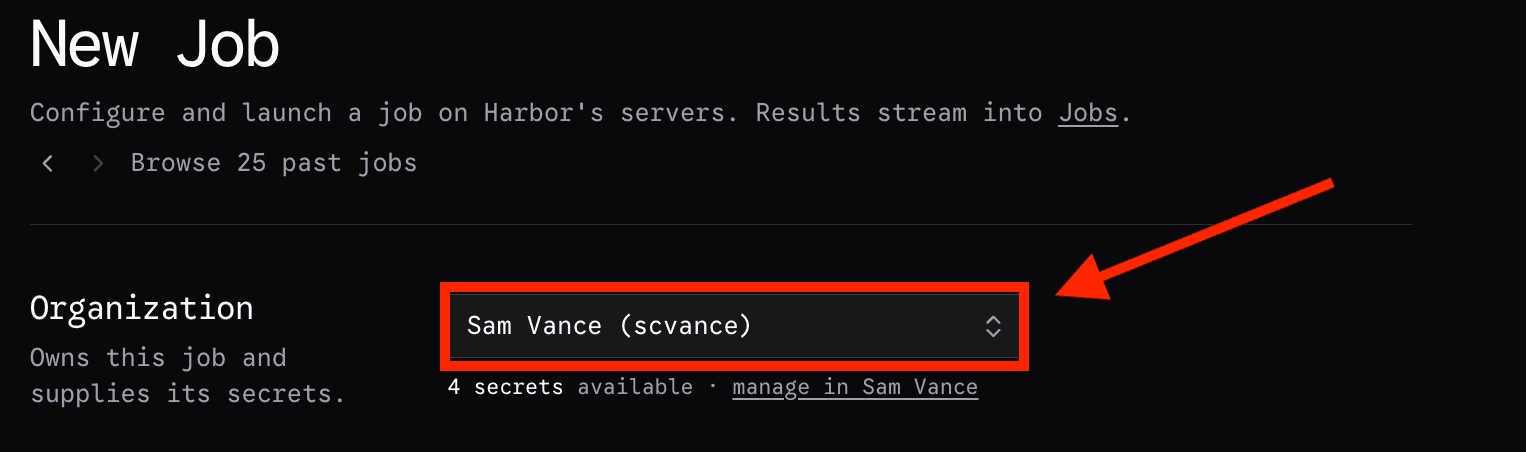
First, select the organization that should own this job.
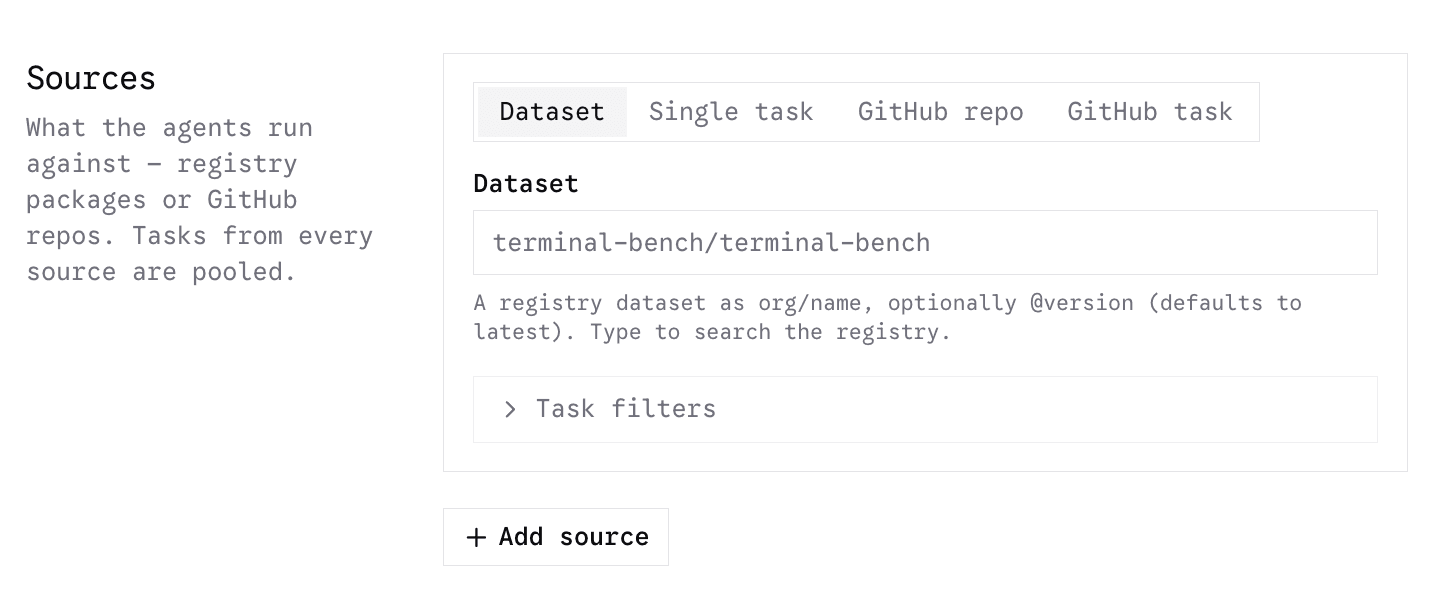
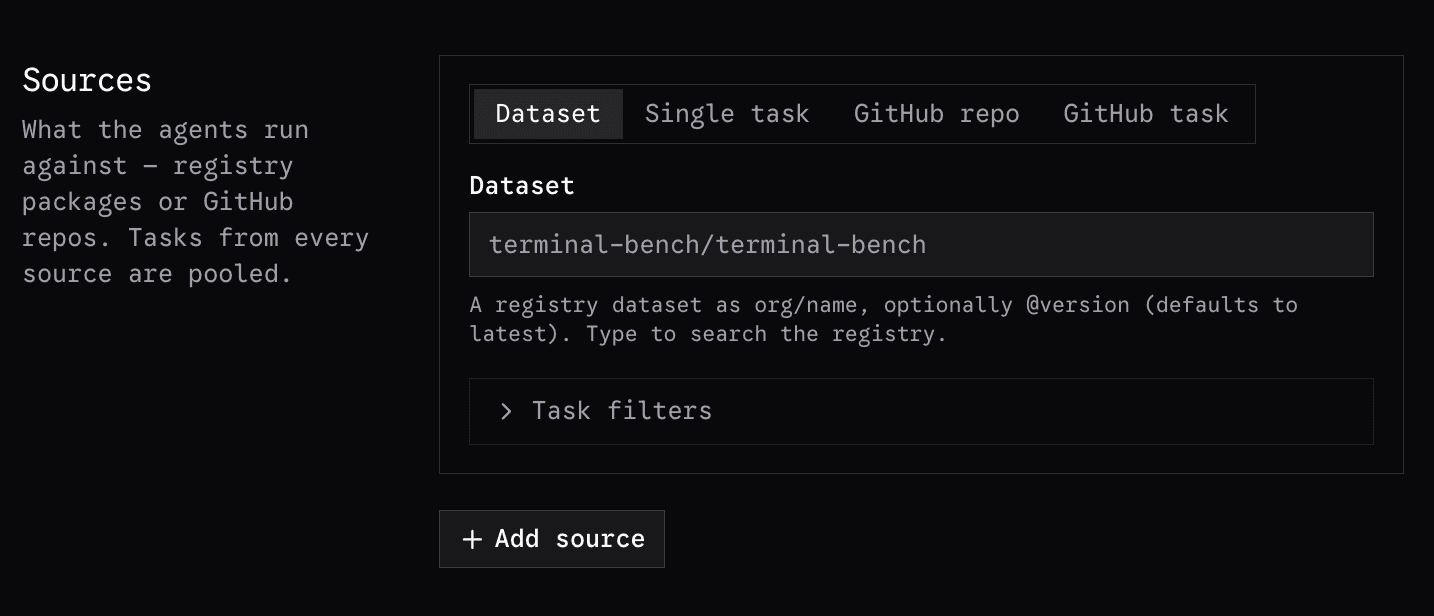
Then, select the dataset or task that you would like to evaluate. You can select tasks and datasets that have been uploaded to the hub, or to GitHub. For private GitHub tasks, you must first link your private GitHub repositories following this guide
Adding Agents
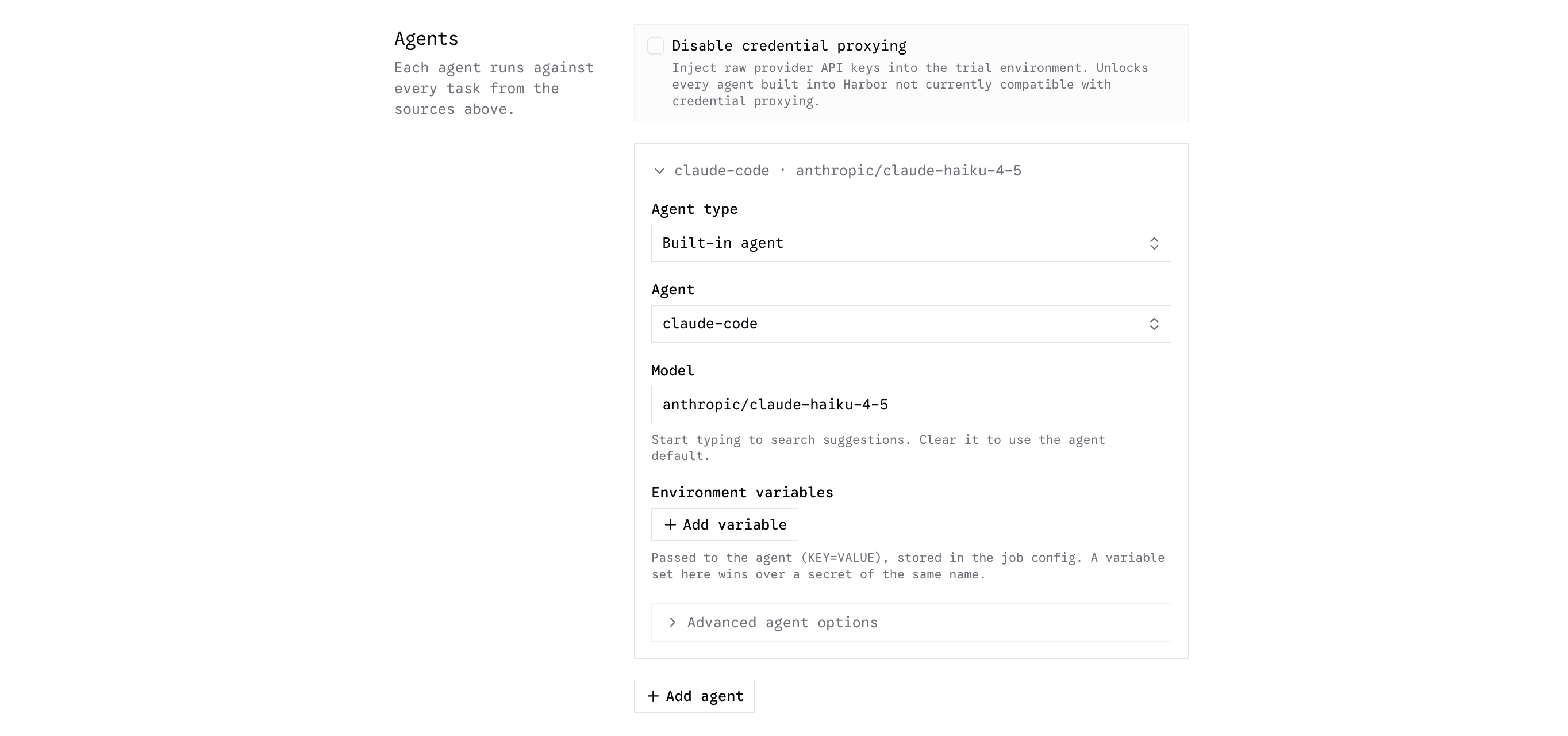
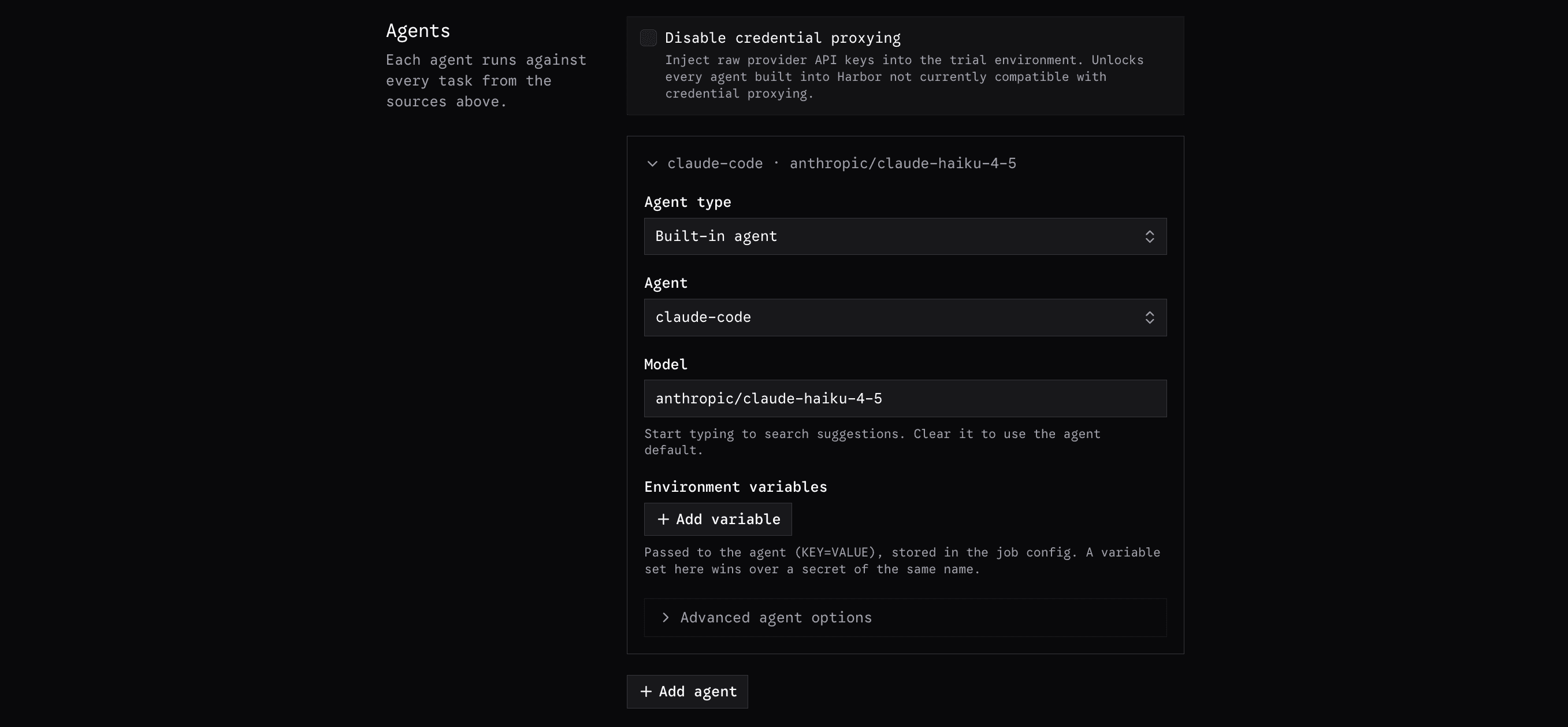
Next, you will select the agent/model combinations that you would like to evaluate. By default, the Harbor Hub will use credential proxying, ensuring that your provider secrets are never injected plaintext into the agent container. For greater compatibility with agents and inference providers, you may elect to use direct credential mode, which will inject your provider secrets directly into the agent environment.
Custom agents must be stored on GitHub, compatible with ACP, and read from HOSTED_INFERENCE_TOKEN/HOSTED_INFERENCE_URL instead of canonical provider tokens/base urls.
After selecting your agent, you may add additional environment variables that you would like set. THIS FIELD IS NOT FOR SECRETS. Environment variables placed in these fields are persisted plaintext in the job config. Additional kwargs can be added in the "Advanced agent options" section. The valid kwargs differ by agent. Currently, one must read the agent implementation in the harbor package to know which kwargs are accepted.
Choosing Secrets to Inject
Once you have finished configuring the agents, choose which credentials each
one receives. The Secrets section lists the names of every secret uploaded to the
owning organization. You can select any number of them per
agent, including more than one inference provider key.
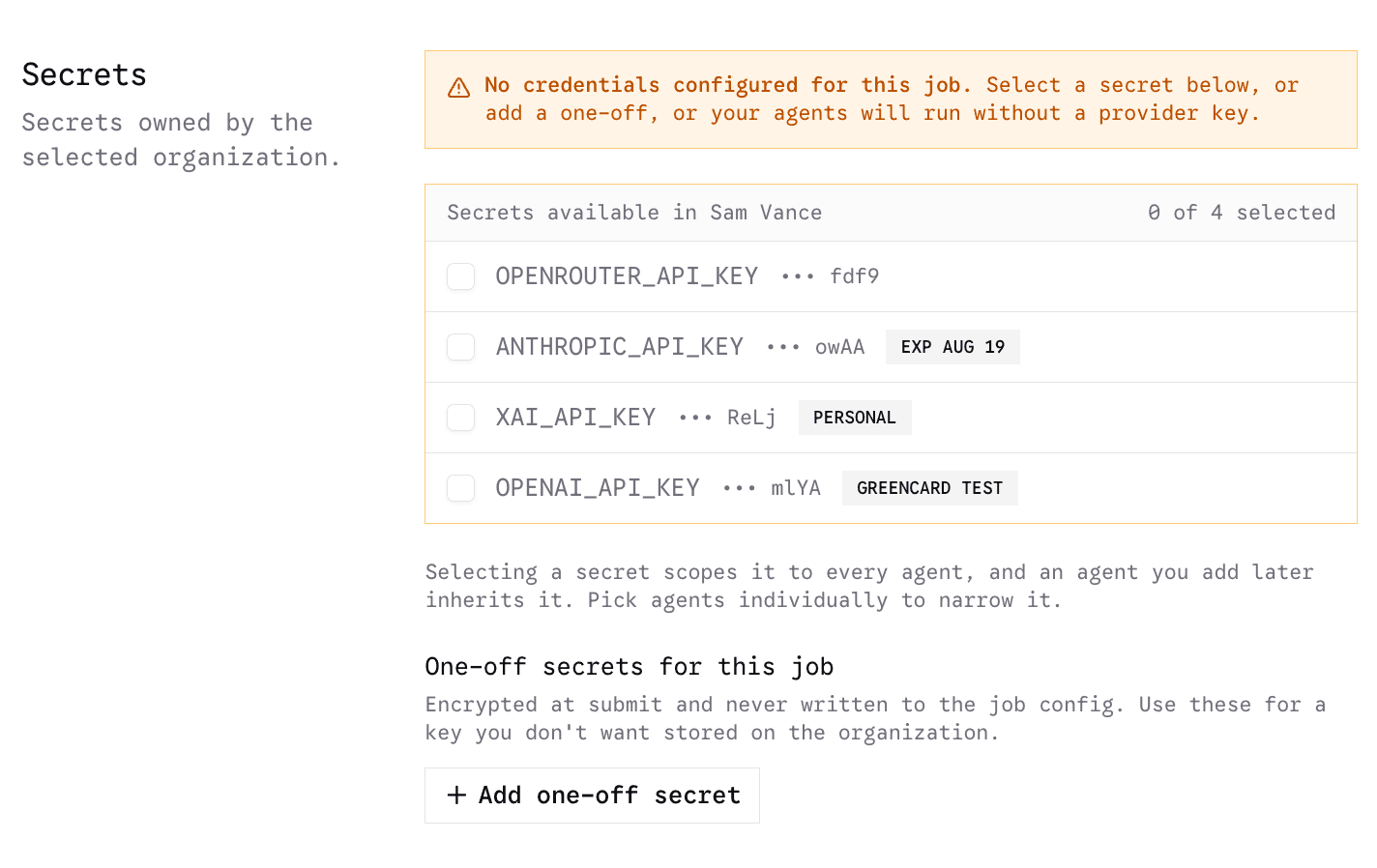
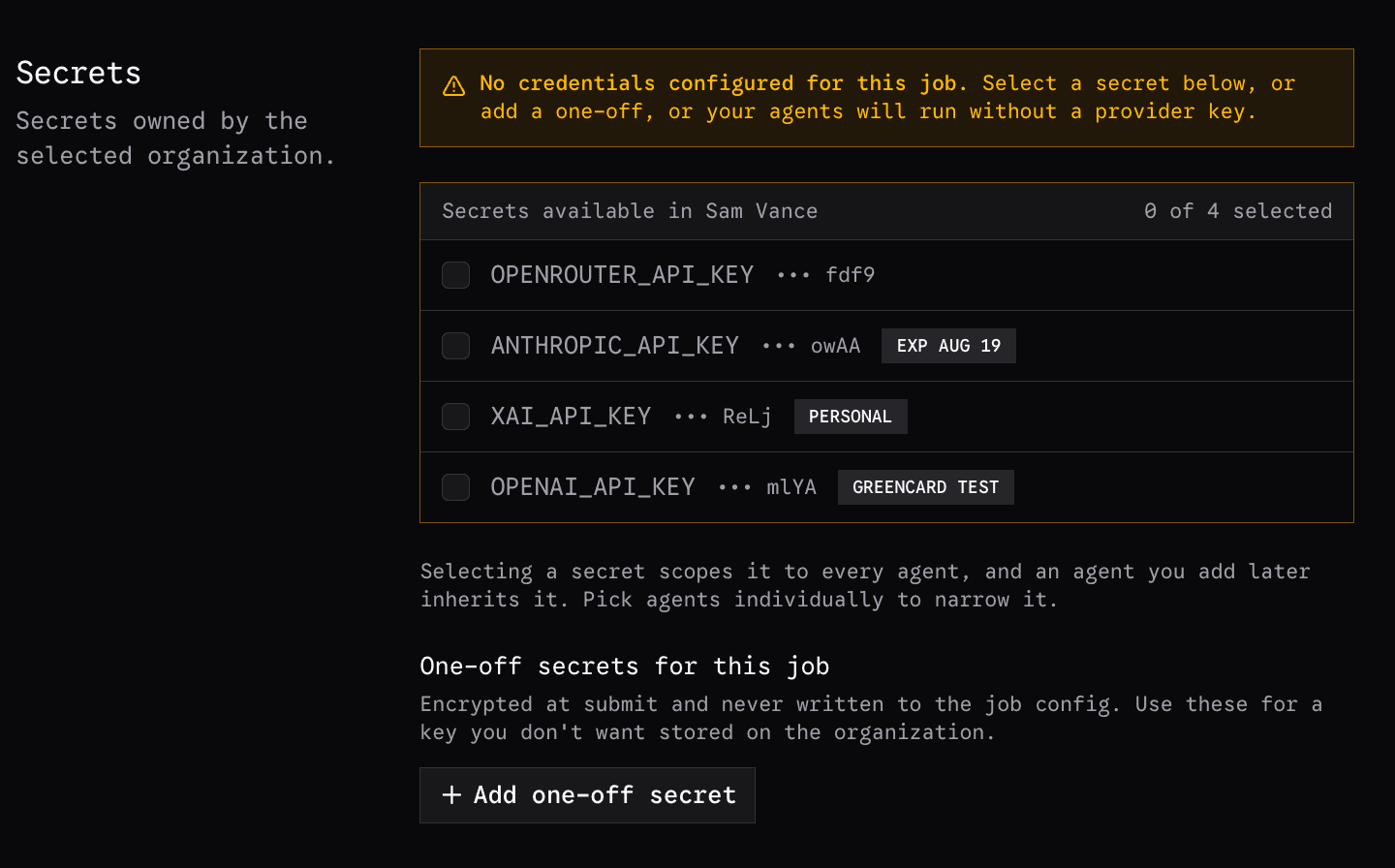
Every selected secret is injected. One of them is also renamed: the key whose provider matches that agent's selected model arrives under the name the agent expects, so you do not have to store a second copy of it under a different name. Everything else you selected is injected under its own name.
For example, running claude-code against openrouter/zai/glm-5.2, you would
select your organization's OPENROUTER_API_KEY. It matches the model's
openrouter/ provider, and claude-code reads its credential from
ANTHROPIC_API_KEY, so that is the name it is injected under. Any other
secrets you selected, an OPENAI_API_KEY, a token a task needs, arrive
unchanged.
If none of the selected secrets match the model's provider, nothing is renamed
and the agent starts without a credential, so the trial fails with a
credential error. Selecting only OPENAI_API_KEY for that OpenRouter model
does exactly this: the key is injected under its own name, but it is not the
one the model needs.
Overall Job Settings
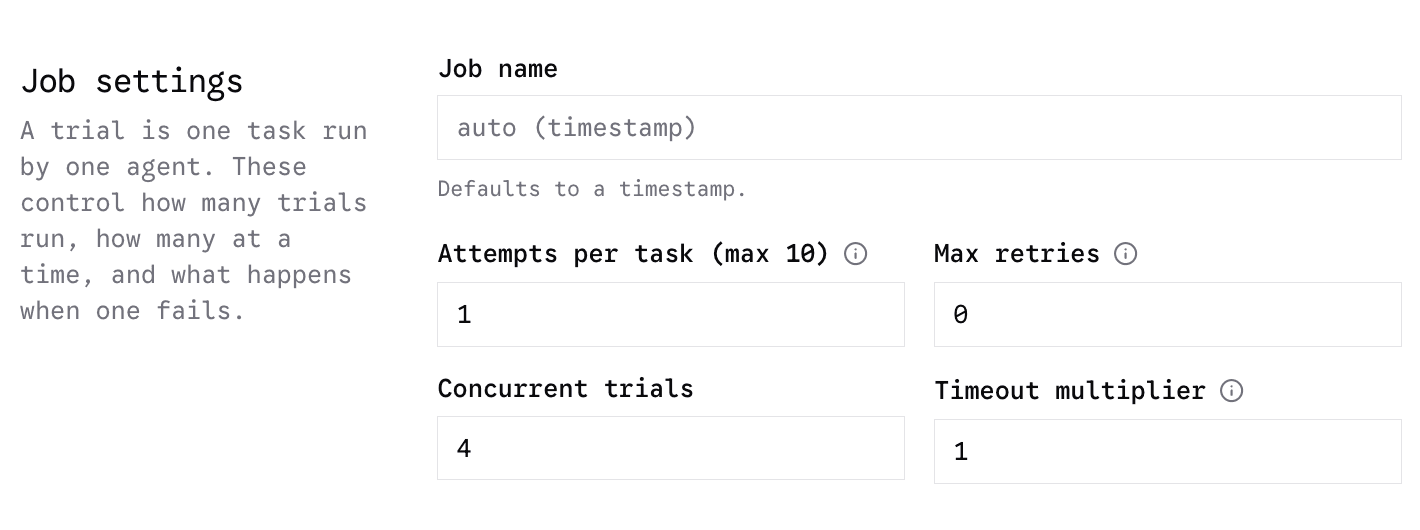
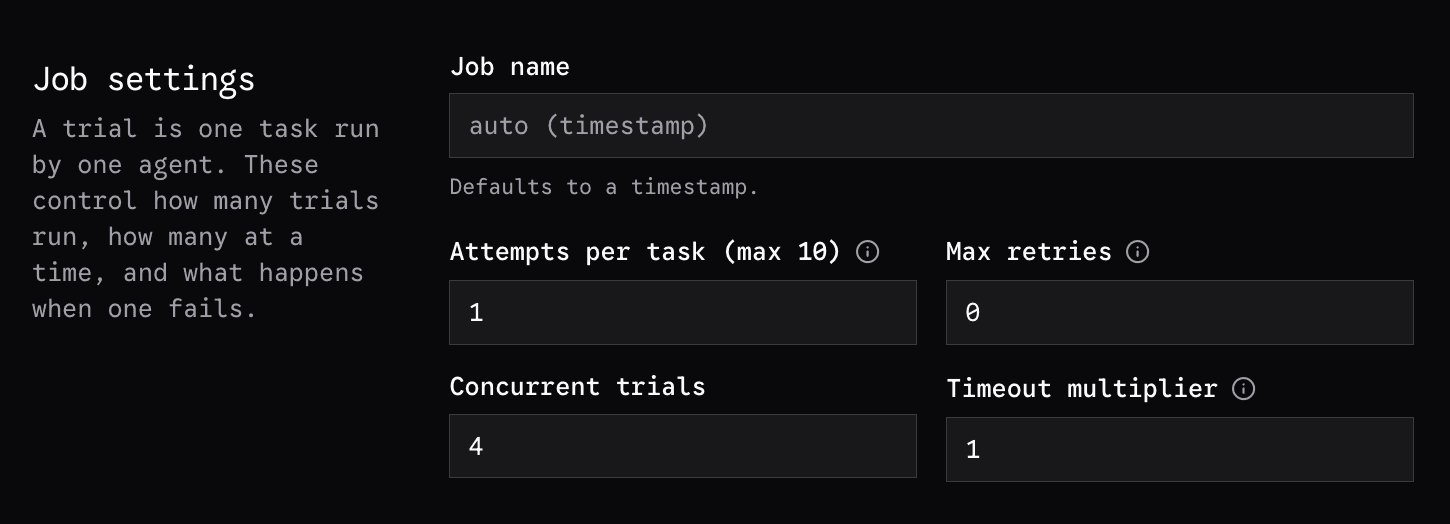
The overall job settings include the name, retries, attempts, concurrency, and timeout multiplier.
Name
Naming the job is recommended as the default timestamp can be difficult to identify later.
Retries
Retries change the number of times a trial will retry on infrastructure or other failures (which can be configured in advanced job settings below).
Attempts
Attempts per task refer to the number of trials that will be scored against a particular task. e.g. 4 attempts with 3 retries can have a maximum of 12 rollouts per task, but only 4 of the rollouts will be scored.
Concurrent Trials
Concurrency can be set based on your api key rate limits. Harbor Hub will monitor concurrency and back off if rate limits are causing failures, but it is recommended to set concurrency such that rate limit failures do not occur.
Timeout Multiplier
Finally, the timeout multiplier refers to the time limit an agent has to complete a task.
The time limit is declared in the task, but if you would like to modify this timeout without
modifying the task, you can set the timeout multiplier to something other than 1.0.
e.g. 0.5 gives half of the time limit, 2.0 gives twice as much time.
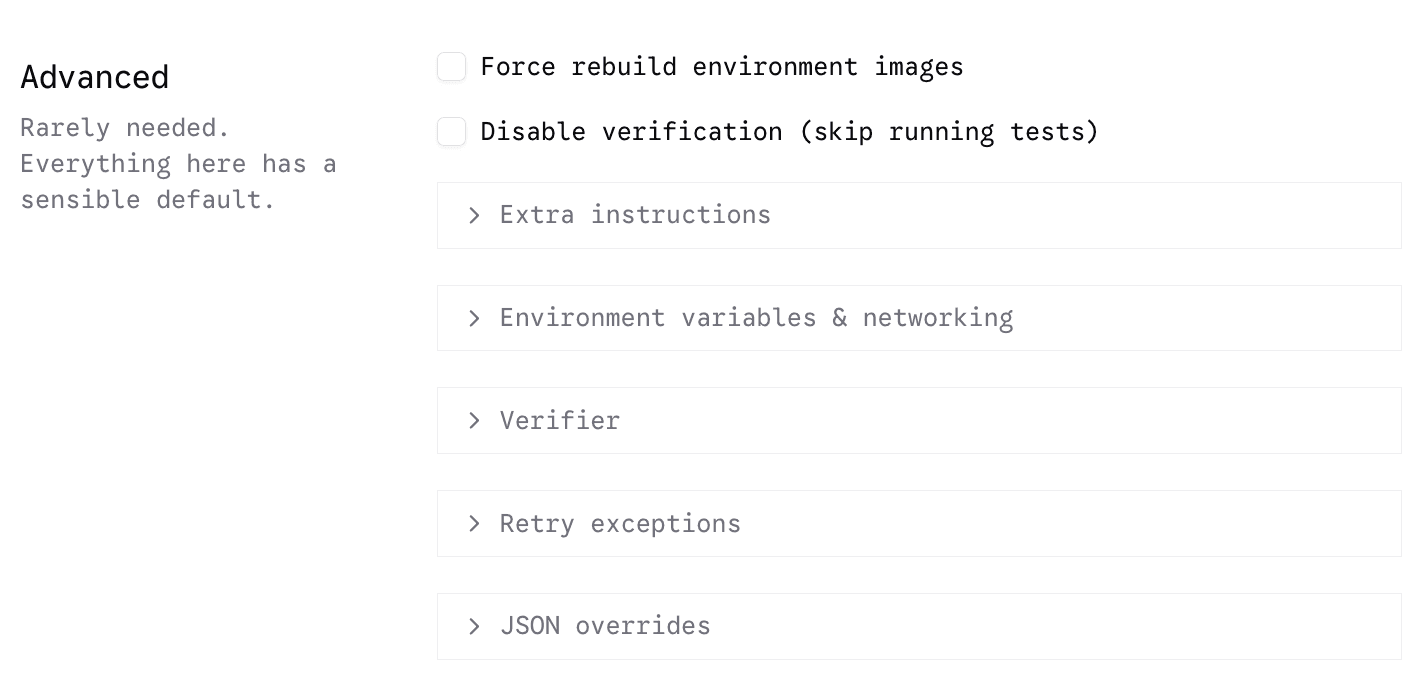
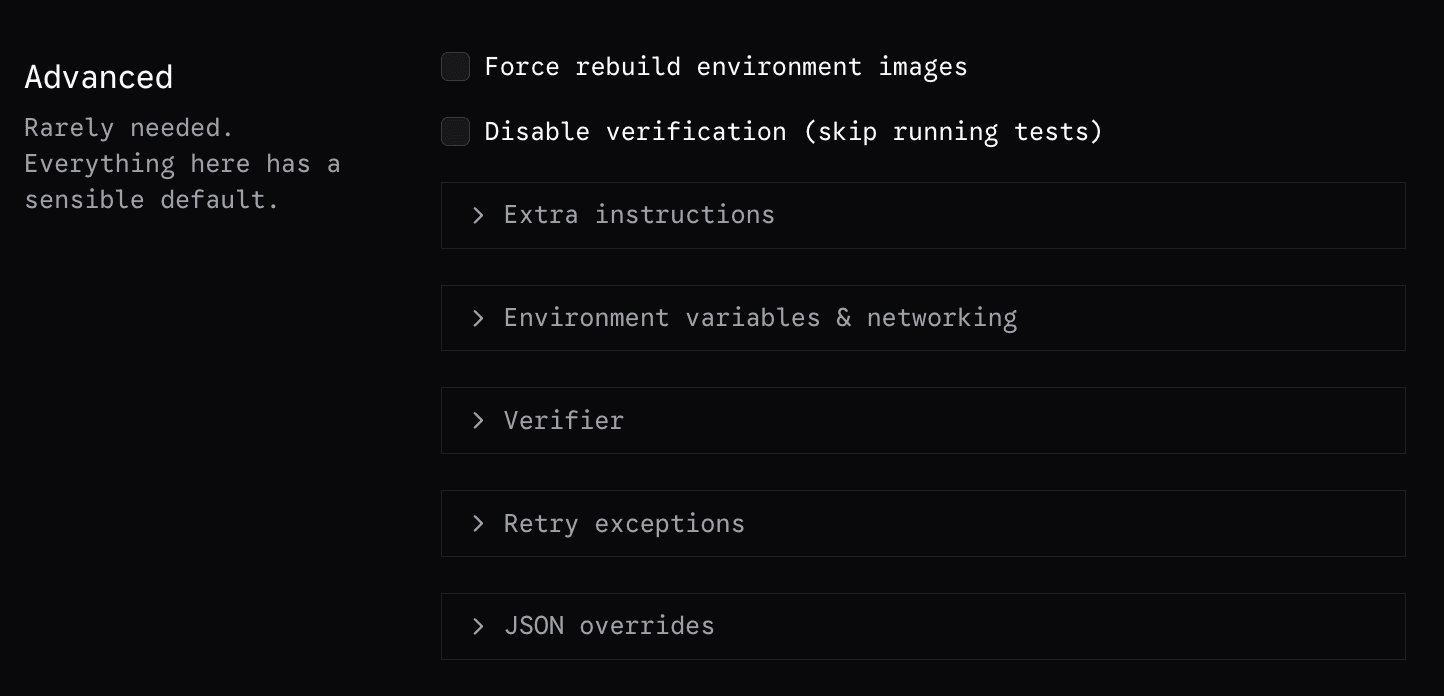
Advanced Job Settings