Harbor Hub API Key
Creating a Harbor Hub API Key
To authenticate any command via the CLI or API, you must first create a Harbor API key.
CLI
If using the CLI, an API key is minted automatically when you successfully run harbor auth login.
The key is stored in ~/.harbor/credentials.json and revoked upon harbor auth logout.
You can also authenticate the CLI via the HARBOR_API_KEY environment variable. The next
section demonstrates creating an API key via the web UI.
Web UI
To mint an API key on the web UI, first go to The Hub
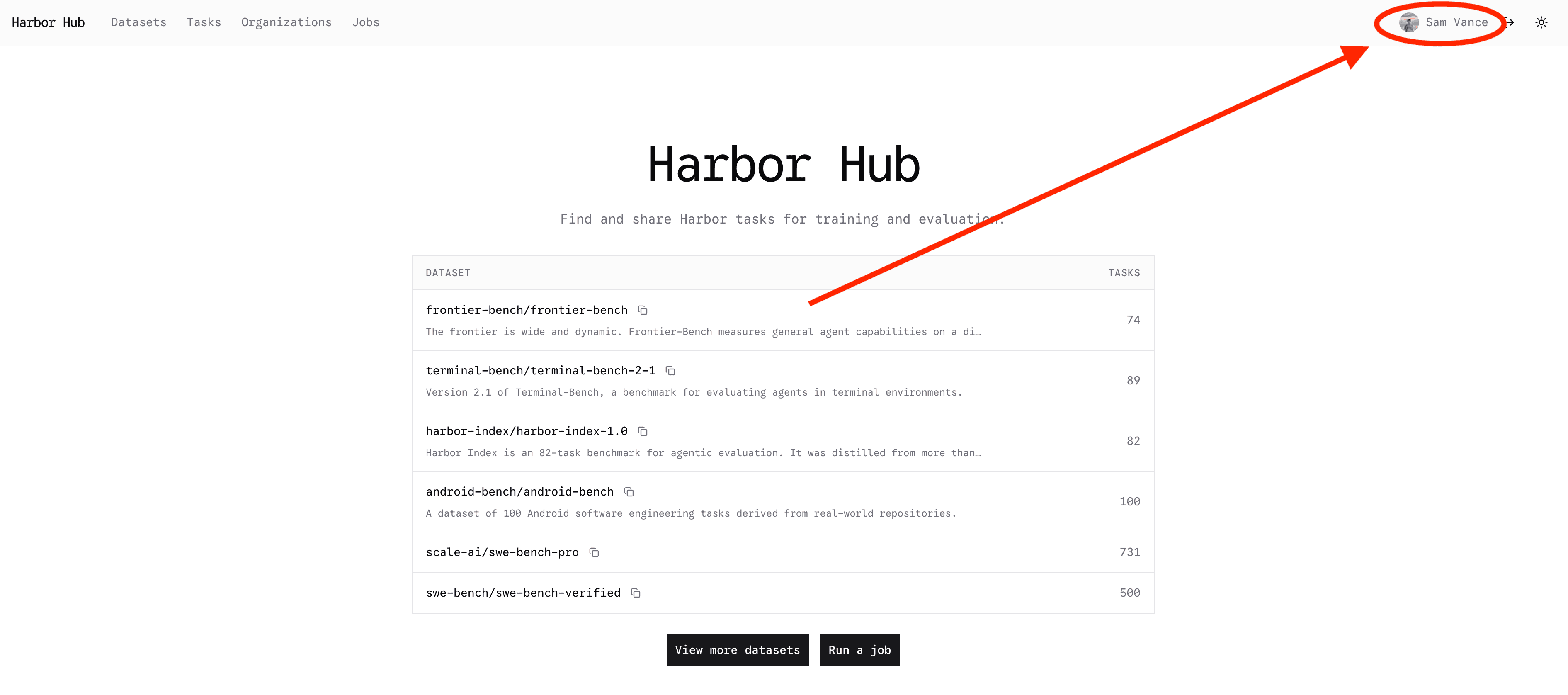
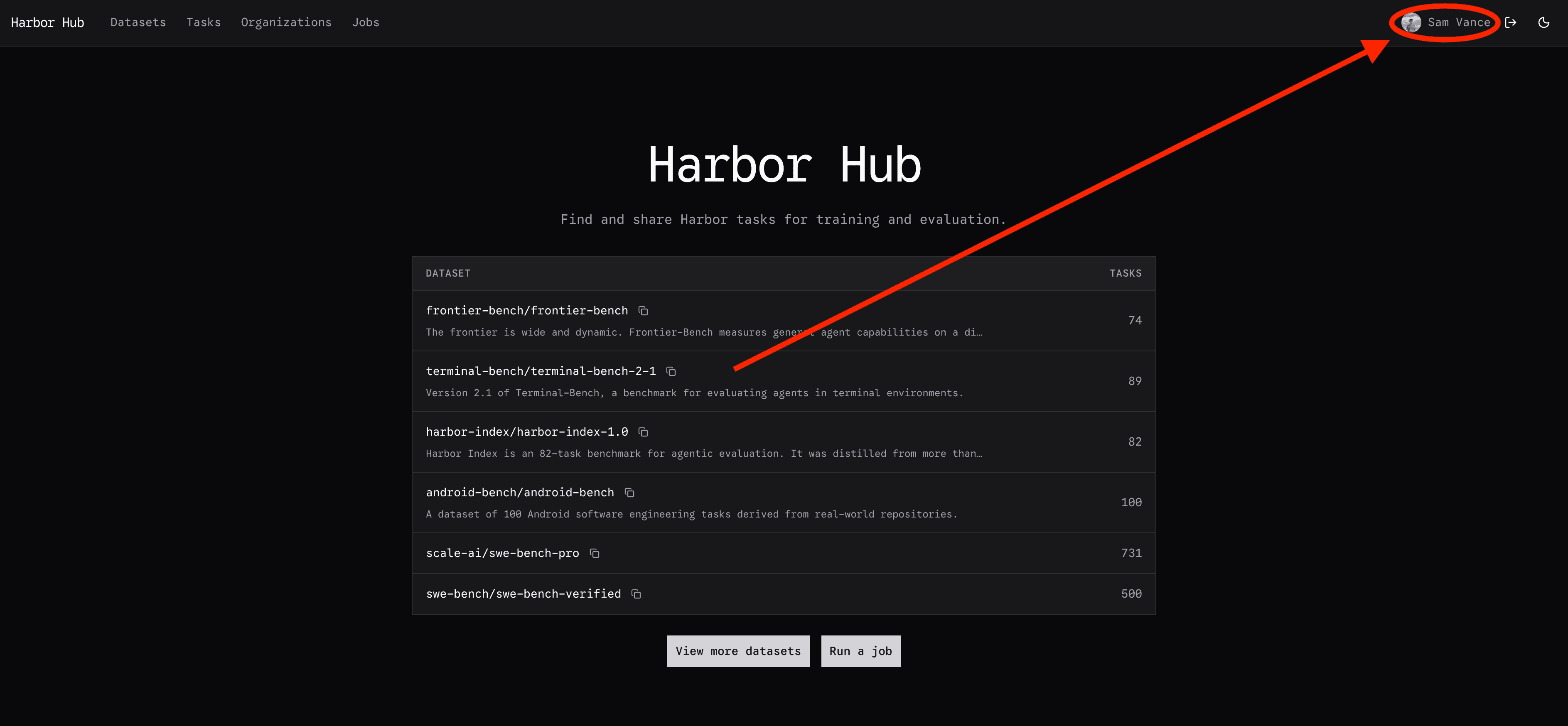
Click on your profile in the top right corner:
Then click on your settings tab:


Then scroll down to the API keys section and click Create API key. You will give the key a name
and an expiration date. Store this key somewhere safe. It has full access to your Harbor Hub account.

